


Tropisino App – Play on Your Mobile Device
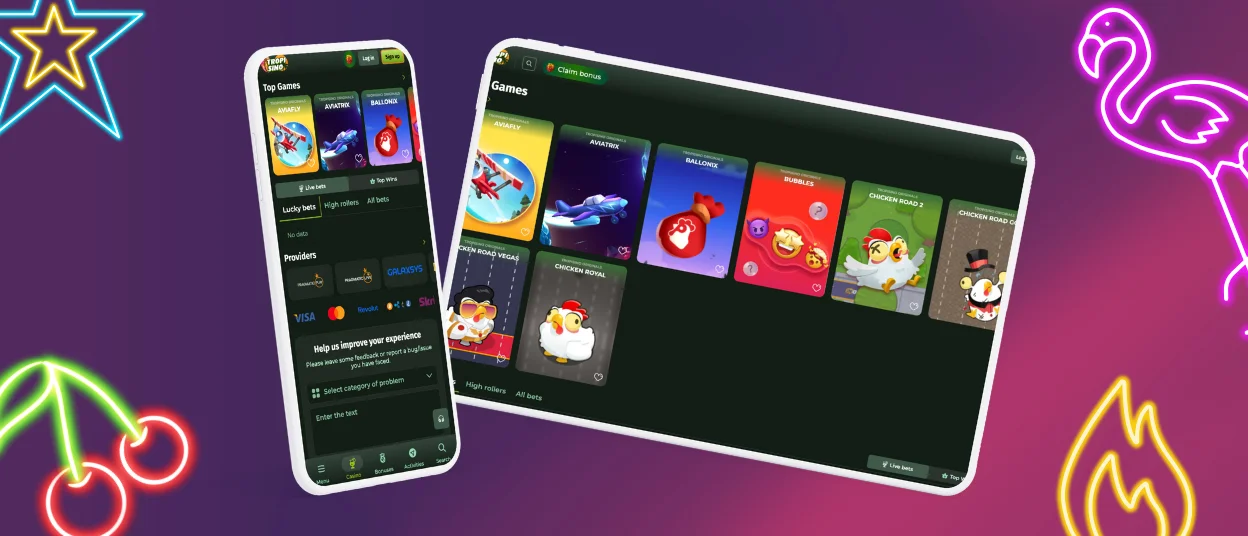
The Tropisino app works on Android and iOS if you want to play games from your phone or tablet. Modern smartphones and tablets run it without issues – the interface adjusts to different screen sizes. You’ll find the same features in the Tropisino app as in the desktop version. The mobile casino runs as a progressive web app (PWA), so you don’t need to download unknown files.



Tropisino Casino on Mobile Platforms
Most websites today have mobile versions or apps. Tropisino Casino offers mobile software with straightforward navigation. The Tropisino app runs on both Android and iOS devices.
The mobile casino matches the PC version in terms of what you can do. Registration opens up 6,000+ games, payments, bonuses, and customer support access. SSL encryption protects your personal information on the mobile platform.
Here are some points comparing the mobile casino to the desktop version. In certain situations, the mobile experience actually works better.
| Feature | Mobile software | PC version |
| Accessibility | Play from your phone or tablet anywhere, anytime. | Needs a desktop or laptop, which limits portability. |
| Notifications | Push notifications alert you about bonuses, tournaments, and free spins. | No real-time alerts unless you’re logged in. |
| Security | Biometric login is available (Face ID / Fingerprint) for extra security. | Password login only. |
| Offline access | Some games and account features work without a full internet connection. | Needs a stable connection constantly. |
Tropi Sino Android Casino App
Tropisino developed the app so users can stay online regardless of location or time. Android players get a convenient, secure PWA that runs smoothly on current devices. You won’t need to download any unknown APK files from third-party sources – your device stays safe.
The software mirrors the main desktop version, just sized for phones and tablets. Design and navigation stay consistent. Follow these steps if you want to install the mobile software for Tropisino Casino:
- Open the official website.
- Find the “Casino App” button in the footer and click it.
- Installation starts automatically.
- The online casino icon shows up on your screen once installation finishes.
You can skip installing the app and use the browser version instead. Tropisino Casino opens in all mobile browsers. Any browser lets you add a shortcut icon to your home screen for quick access.
Tropisino iOS Casino App
iOS users can access the Tropisino mobile app on all iPhone and iPad models. The interface adjusts to different screen sizes automatically. People particularly enjoy the live dealer games on mobile devices – they stream in high quality and create that real casino feel. Installation follows the same steps as Android.
You can also open the official website in any mobile browser. It keeps the same design and features as the PC version but works with mobile touchscreens. The complete game library opens up – online slots, table games, live dealer options, and more. A shortcut icon for your home screen makes access faster:
- Open the Shortcut app on your iPhone or iPad.
- Tap the + (plus) icon in the top-right corner for a new shortcut.
- Select “Add Action” and search for the website you need.
- Tap the down arrow beside the shortcut name and pick “Add to Home Screen”.
- Give it a custom name if you want, then tap “Add”.
Software for Windows and macOS
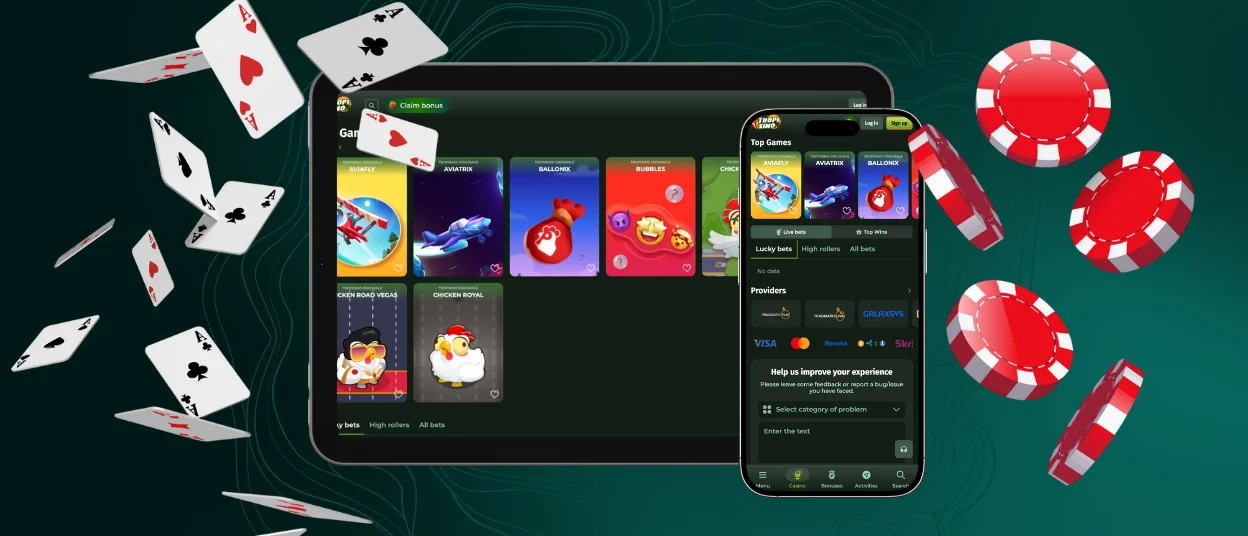
Desktop users haven’t been overlooked. Many players split their time between PC at home and phones when they’re out. Tropisino Casino opens in all PC browsers. Just type the platform name into your preferred browser.
There’s an easier way, though. Add the online casino as an icon on your home screen for access in seconds. Visit the website and choose “Add to home screen” from the browser menu. The Tropisino 24/7 support team can help via live chat or email if you have questions.
FAQ
Is There Customer Support in the Tropisino Casino App?
The Tropisino app includes the same features as the desktop version. You’ll find the 24/7 customer service live chat in the mobile version. Email support works from any device too.
Do I Need an Account to Use the Tropisino App?
Registration is required to access games, payments, support service, and other Tropisino Casino features in the app. The signup process takes just a few minutes.
Is the Tropisino App Safe to Use?
Tropisino Casino operates under a license from the Gaming Board of Anjouan and follows strict industry regulations and protocols. Modern SSL encryption secures all transactions in the mobile casino.
Can I Make Deposits and Withdrawals Directly in the App?
The mobile software supports all the same payment methods as the desktop version. Deposits and withdrawals work without problems. Complete the verification process before attempting your first withdrawal.


